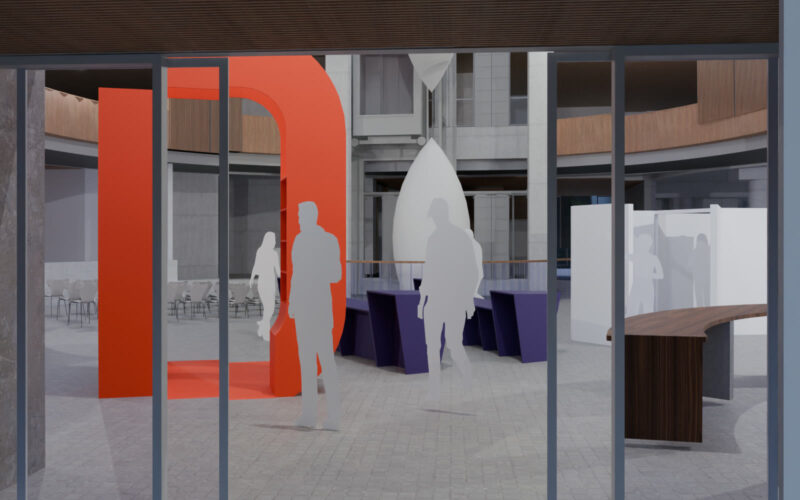
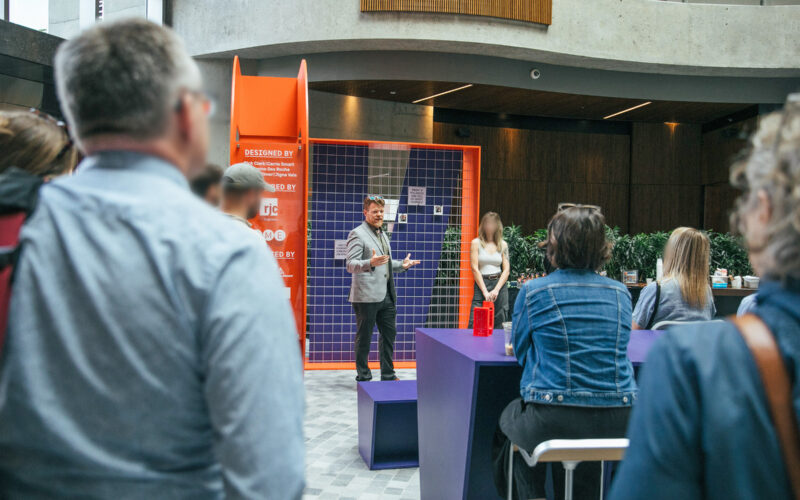
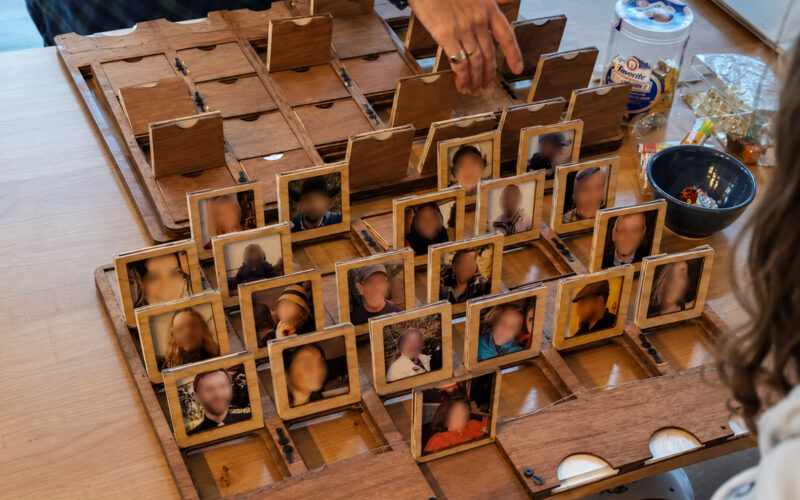
This project supported The Big DV public installation by making one of the interactive pieces easier for guests and volunteers to use. The installation invited people to contribute photos and design responses to a public wall, so the workflow needed to move images from a guest’s phone to a volunteer-operated photo printer without creating a messy manual process during the event.
Keeping the public interaction simple
The visible workflow had to be simple: scan a QR code, upload a photo, and let the volunteers print it. I did not want guests handing over phones, emailing files, or relying on a volunteer to troubleshoot every submission. That meant the technical side could be more complicated, but the public side could not be. The system needed to feel like a normal event interaction, not a tech demo.
Making the hidden workflow do the work
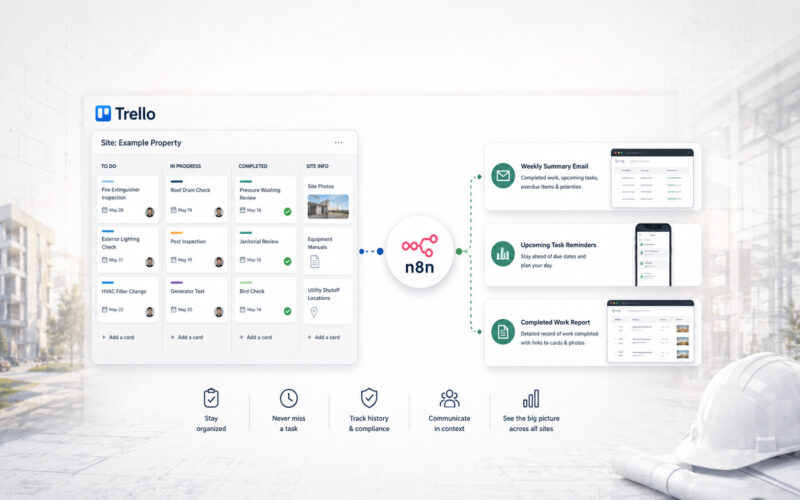
I connected a Dropbox File Request, Dropbox webhook, Cloudflare Worker, Join, Tasker, Autosync, and a Samsung Tab A9+ into one operating workflow. Uploaded images triggered the automation chain, the tablet was notified that new files were available, and Autosync moved them into a local folder the SELPHY printing app could read. For volunteers, the result was straightforward. Open the printing app, find the submitted photos, and print. They did not need to download files, search folders, move images around, or understand the automation chain behind it.
Designing for a live event
The setup also had to survive the realities of a public event. I configured the tablet more like a kiosk than a personal device, with separate accounts, minimal installed apps, public-use restrictions, and no unnecessary personal data exposed. I also built in fallback sync behaviour and failure alerts so the workflow was not dependent on someone noticing a problem at the exact moment it happened. Theft and recovery risk, account separation, volunteer handoff, and privacy exposure were all part of the design.
The final snapshot
I recognized the friction in a live public interaction and connected available tools into a workflow people could use without thinking about it. The system reduced volunteer handling, protected guest privacy better than an improvised process, and made the interactive part of the installation feel simple from the outside